Hucrem › Apps › ShapeCut AI: Vector & CAD

ShapeCut AI: Vector & CAD
Photo to SVG/DXF vector, 3D mesh and parametric CAD on your phone. ShapeCut AI turns photos of real parts and drawings into files you can cut, print and edit. Everything runs on your phone: no account, no cloud upload, your designs stay private.
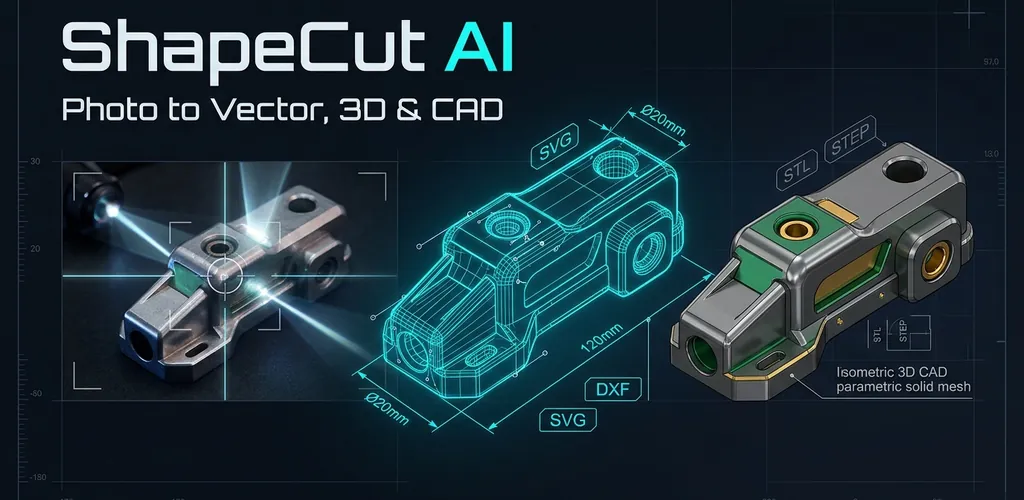
What ShapeCut AI: Vector & CAD can do
- Photo to 2D vector: clean contours for laser cutters, CNC routers and vinyl cutters
- Scale calibration using a credit card or ruler so vectors come out in real millimetres
- Kerf compensation to offset the toolpath for your laser or bit
- Photo to 3D mesh from one photo or up to five views with a manifold check
- Parametric CAD from templates such as L-bracket, spur gear, flange or box
- 3D print helper that estimates material use and print time
- Open export formats: SVG, DXF, STL, OBJ, GLB, 3MF, STEP, OpenSCAD, PNG and JPG
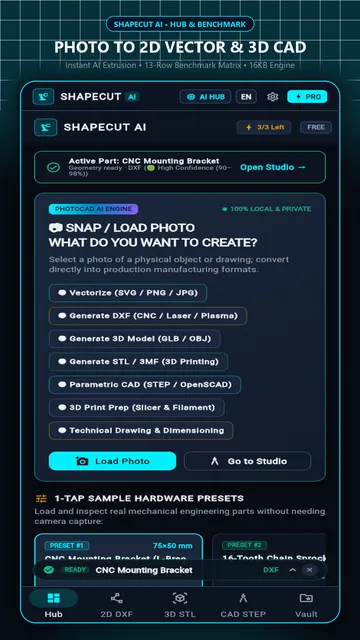
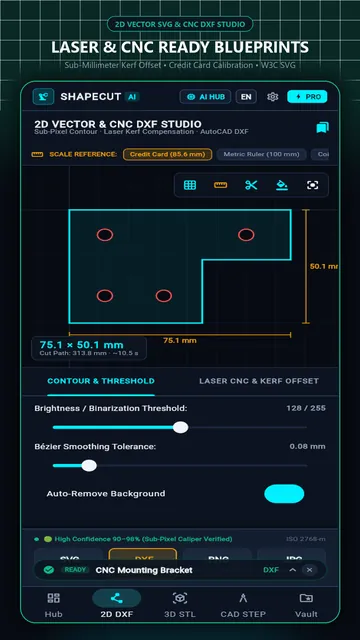
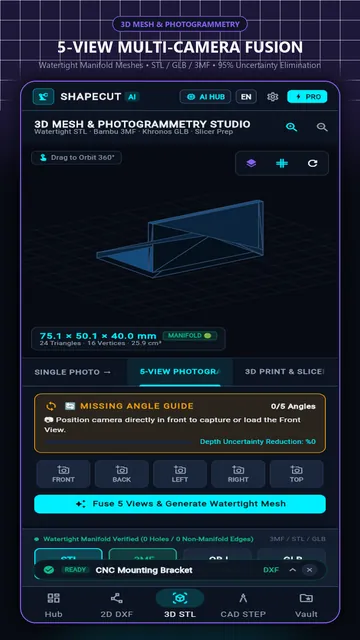
Made for real jobs
- Duplicating a gasket or bracket from a photo
- Preparing a cut file for a laser cutter
- Quick parametric parts for 3D printing
ShapeCut AI: Vector & CAD is part of the Hucrem family of AI-powered apps. Free to start, with an optional Pro subscription. Related searches: photo to vector, photo to SVG, DXF converter, laser cutter app, parametric CAD.
Questions about ShapeCut AI: Vector & CAD
Is ShapeCut AI: Vector & CAD free?
Yes. ShapeCut AI: Vector & CAD is free to download and use with ads, and an optional Pro subscription (weekly, monthly or yearly) removes limits. You can manage or cancel any time in Google Play > Payments & subscriptions > Subscriptions.
How accurate are the results?
Results depend on photo quality, lighting and camera angle. Always verify dimensions before cutting or printing important parts.